
Snapchat ad preview
See your creative as a full-screen Snapchat ad with the brand name, headline and CTA in place. Checks compare your text and video length with Snapchat's published specs.
Your files stay in your browser. Nothing is uploaded.

Everyday DoseAd

Upload your creatives
Up to 50 at a time. JPG, PNG, WebP, MP4 or MOV.
or drop them anywhere on this page
What Snapchat publishes for Single Image or Video ads
Snapchat's ad formats page lists 720×1280 (9:16), a brand name of up to 25 characters, a headline of up to 34 characters and video of 3-180 seconds.
Snapchat's safe-zone help page describes buffers on the top, bottom and sides without pixel numbers, so the tool's overlay is an approximation.
What to check before you launch on Snapchat
- Brand name up to 25 characters; headline up to 34.
- Video 3-180 seconds.
- Listed size 720×1280 (9:16).
Snapchat ad specs
| Placement | Size & ratio | Images | Video | Text limits | Safe zone |
|---|---|---|---|---|---|
| Snapchat | 9:16: 720×1280 | JPG, PNG | MP4, MOV 3s–3 min | Headline: 34 max Brand name: 25 max | Not published as numbers |
Preview ads on other platforms
Each platform has its own page with its sizes, safe zones and text limits.
hims
Ad
 Learn More
2,481 likes
himsMeta
Facebook Feed & Stories, Instagram Feed, Stories & Reels
Open preview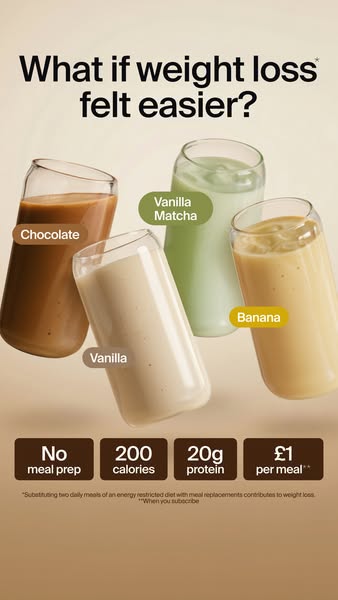
huel
Ad
Learn MoreInstagram
Feed (1:1 and 4:5), Stories and Reels
Open preview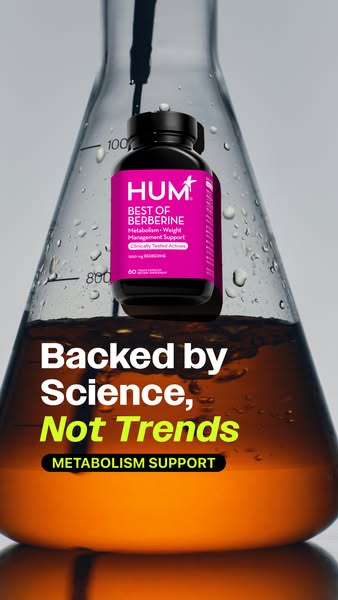 FollowingFor You24.1K3121,804940
@humnutrition
SponsoredPromoted music · HUM Nutrition
Learn MoreTikTok
In-Feed ads in the For You feed
Open preview Shorts8.4KDislike312Share
@functionhealthSponsored
Learn MoreYouTube Shorts
Vertical video ads between Shorts
Open preview- Search

Promoted by AG1
Pinterest
Promoted Pins in the home feed
Open preview
Your ads look right. Are they tracked right?
A preview shows how an ad looks. Whether the sale gets credited to it depends on your Pixel and Conversions API. The free audit checks both.
Snapchat ad preview FAQ
What size are Snapchat ads?
Snapchat's ad formats page lists 720×1280 (9:16) for Single Image or Video ads.
How long can a Snapchat ad headline be?
A Snapchat headline can be up to 34 characters, and the brand name up to 25.
How long can a Snapchat video ad be?
Snapchat video ads can run 3 to 180 seconds. Supported file types are .mp4, .mov, .jpg and .png.
Where is the Snapchat ad safe zone?
Snapchat's safe-zone help page describes buffers on the top, bottom and sides without pixel numbers. The overlay in this tool is an approximation, not Snapchat's own.
How do I preview a Snapchat ad before publishing?
Upload an image or video to the Zappush Ad Preview tool to see it full screen with the brand name, headline and button in place. It runs in your browser, and Snapchat's own Ads Manager preview remains the reference.
More free tools
- Brand Mockup GeneratorWebsite, app and packaging mockups from a brand description
- Ad Copy WriterMeta-compliant headlines and primary text
- Conversion Tracking AuditCheck your pixel and Conversions API setup
- Health & Wellness Restriction AuditSee what triggers Meta's restrictions on your site
- Ad Compliance CheckerCheck ad copy against Meta's health policies
- Before/After AlternativesCompliant alternatives to before/after imagery