
Preview your ads before you launch them
Preview your images and videos as real ads on Facebook, Instagram, TikTok, YouTube Shorts, Snapchat and Pinterest, and catch what would go wrong. Free, with no sign-up.
Your files stay in your browser. Nothing is uploaded.
ritual
Ad
Upload your creatives
Up to 50 at a time. JPG, PNG, WebP, MP4 or MOV.
or drop them anywhere on this page
hims
Ad
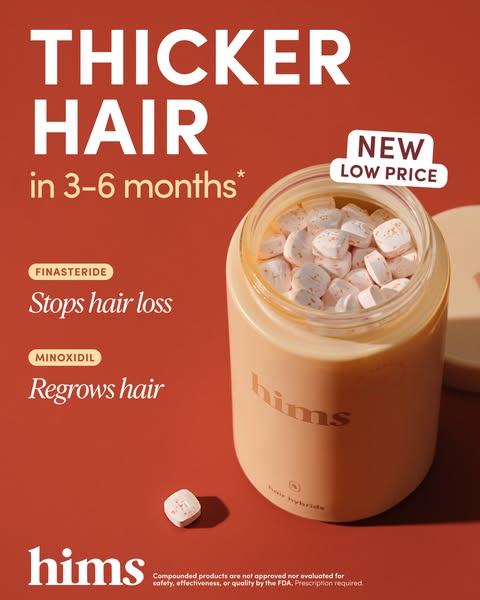
2,481 likes
hims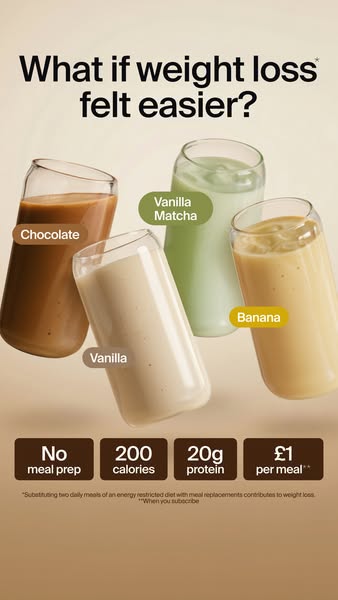
huel
Ad
Every placement, side by side
Pick a platform and see your creative in every placement it has: Instagram Feed, Stories and Reels side by side, then Facebook, TikTok, YouTube Shorts, Snapchat and Pinterest.
Catch what goes wrong before you spend
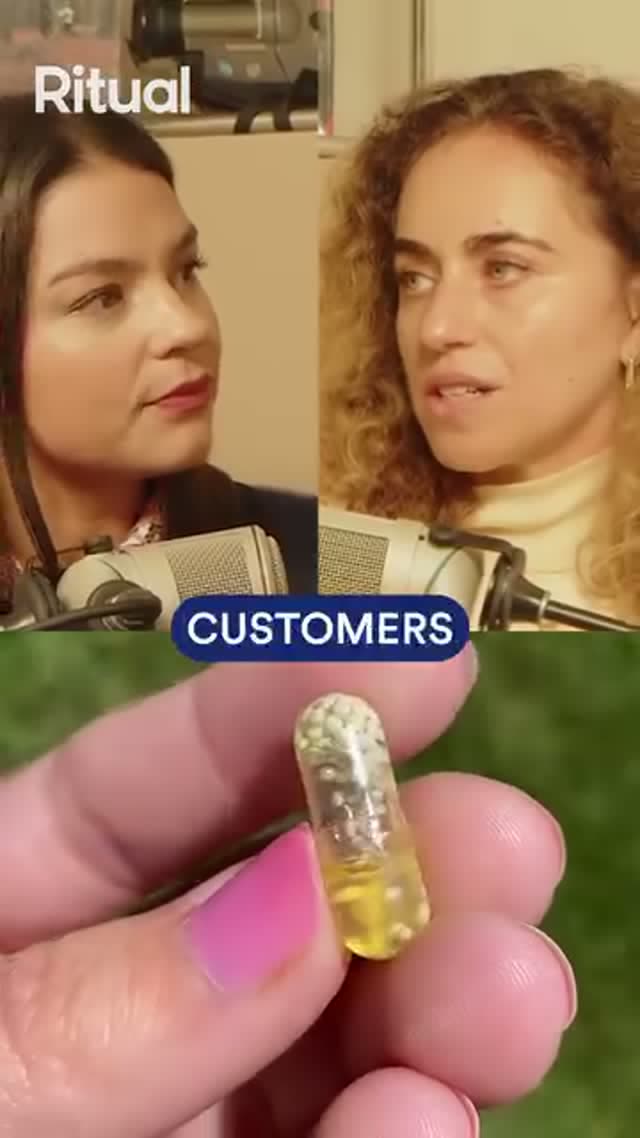
Shade the parts of a Story, Reel, TikTok or Short that the platform's own buttons, captions and profile name cover, so your offer and logo stay clear of them.
ritual
Ad
Learn More FollowingFor You24.1K3121,804940
@humnutrition
SponsoredPromoted music · HUM Nutrition
Learn MoreA vertical ad shows at 4:5 in the feeds and full height in Stories and Reels. See exactly what each placement cuts off before you launch.
grns
Ad
 Learn More
2,481 likes
grnsReels12.4K2141.1KgrnsAd
Learn MoreEvery preview is checked against its placement's specs: aspect ratio, resolution, video length and text length. Each problem is listed once, with the placements it affects.
 FollowingFor You24.1K3121,804940
@everydaydose
SponsoredPromoted music · Everyday Dose
Learn More Shorts8.4KDislike312Share
@functionhealthSponsored
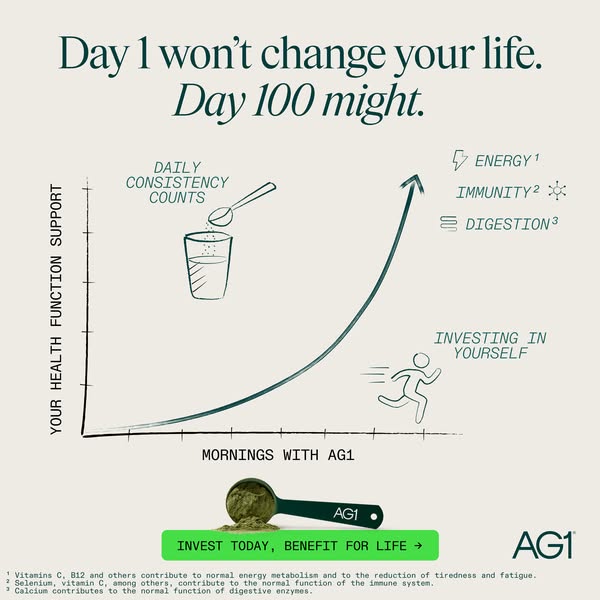
Learn MoreDrop in up to 50 images and videos and switch between them, or see all of them across the platform's placements at once.
huel
Ad
Learn More
humnutrition
Ad
Learn More
functionhealth
Ad
Learn Moreritual
Ad
Learn Moregrns
Ad
Learn Moreeverydaydose
Ad
Learn More
Ad
ag1
Ad
2,481 likes
ag1Download every mockup for sign-off
Click Download to get a ZIP with your ad on every placement of the platform, one PNG each. Send it to your team or client for sign-off.
Preview by platform
Each platform has its own page with its sizes, safe zones and text limits.
hims
Ad
Learn More2,481 likes
himsMeta
Facebook Feed & Stories, Instagram Feed, Stories & Reels
Open previewhuel
Ad
Learn MoreInstagram
Feed (1:1 and 4:5), Stories and Reels
Open preview- FollowingFor You24.1K3121,804940
@humnutrition
SponsoredPromoted music · HUM Nutrition
Learn MoreTikTok
In-Feed ads in the For You feed
Open preview - Shorts8.4KDislike312Share
@functionhealthSponsored
Learn MoreYouTube Shorts
Vertical video ads between Shorts
Open preview Everyday DoseAd
Learn MoreSnapchat
Full-screen Single Image and Video ads
Open preview- Search
Promoted by AG1
Pinterest
Promoted Pins in the home feed
Open preview
Your ads look right. Are they tracked right?
A preview shows how an ad looks. Whether the sale gets credited to it depends on your Pixel and Conversions API. The free audit checks both.
Frequently asked questions
What is the Zappush Ad Preview tool?
The Zappush Ad Preview tool is a free web tool that shows one image or video as a mockup in ad placements on seven platforms. It also compares your file with the sizes and limits each platform publishes.
Is the Zappush Ad Preview tool free?
Yes. The Zappush Ad Preview tool is free, needs no account or sign-up, and exports PNG mockups with no watermark.
Does the ad preview tool upload my images and videos?
No. The tool reads your files in your browser and builds every preview there, so the files never leave your device. Downloads are built in your browser too.
Which platforms and ad placements can I preview?
The tool previews Instagram, Facebook, Threads, TikTok, YouTube Shorts, Snapchat and Pinterest. Meta placements are Feed, Stories, Reels, Explore, search results, profile feed, reel overlay, reel in-stream and Facebook Business Explore. The Facebook and Instagram feeds switch between 1:1 and 4:5.
How accurate are ad previews from this tool?
The previews show crops, cut-off text and buttons over your design, but they approximate each placement. Platforms change their interfaces, so spacing, fonts and counts can differ. Zappush is not affiliated with Meta, TikTok or any other platform shown.
What are ad safe zones?
Safe zones are the parts of a vertical ad that platform UI covers, such as the profile row, caption and buttons. For Instagram Reels, Meta asks you to keep the top 14%, the bottom 35% and 6% on each side clear. TikTok and YouTube Shorts overlays follow the platforms' own safe-zone templates. Stories and Snapchat overlays are approximations.
What size are ads on each platform?
Meta lists 1440×1800 for 4:5 Facebook Feed images and 1080×1920 for Instagram Stories. Google lists 1080×1920 for Shorts, Snapchat 720×1280 and Pinterest 1000×1500 for 2:3 Pins.
How do I share ad previews with my team or client?
Click Download in the tool to get a ZIP with a PNG of every ad on every placement, in a folder per placement. Send the ZIP or any single PNG for sign-off.
Can I preview both images and videos?
Yes. The tool accepts JPG, PNG, WebP, MP4 or MOV. Video previews play in your browser, so some HEVC (H.265) MOV files may not play if your browser does not support the codec.
Can I preview many ad creatives at once?
Yes. The tool takes up to 50 files at once. Grid view shows every creative in every placement, and Download saves each mockup as a PNG in a folder per placement.
More free tools
- Brand Mockup GeneratorWebsite, app and packaging mockups from a brand description
- Ad Copy WriterMeta-compliant headlines and primary text
- Conversion Tracking AuditCheck your pixel and Conversions API setup
- Health & Wellness Restriction AuditSee what triggers Meta's restrictions on your site
- Ad Compliance CheckerCheck ad copy against Meta's health policies
- Before/After AlternativesCompliant alternatives to before/after imagery